 From the 15th of June, you will no longer be able to purchase McAfee Safe Family App. If you have already subscribed to this feature before this date, you can continue to use it as usual until July 31st.
Is the McAfee® Safe Family App included in your Optus plan?
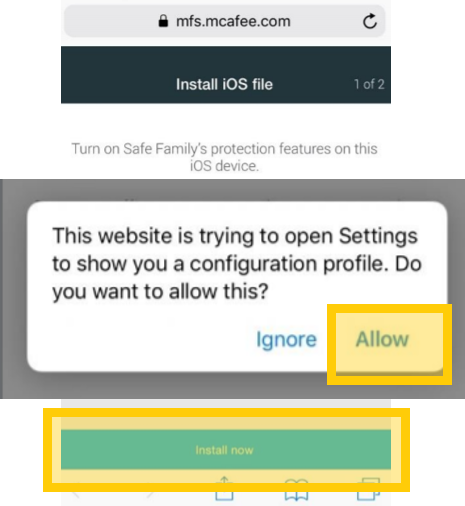
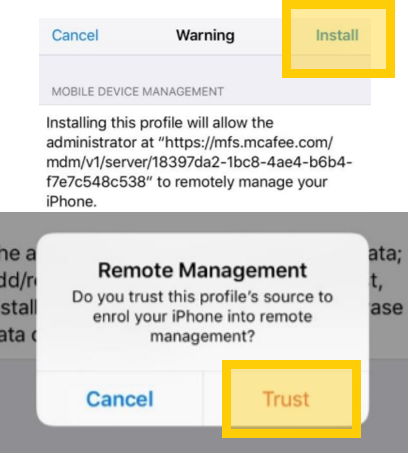
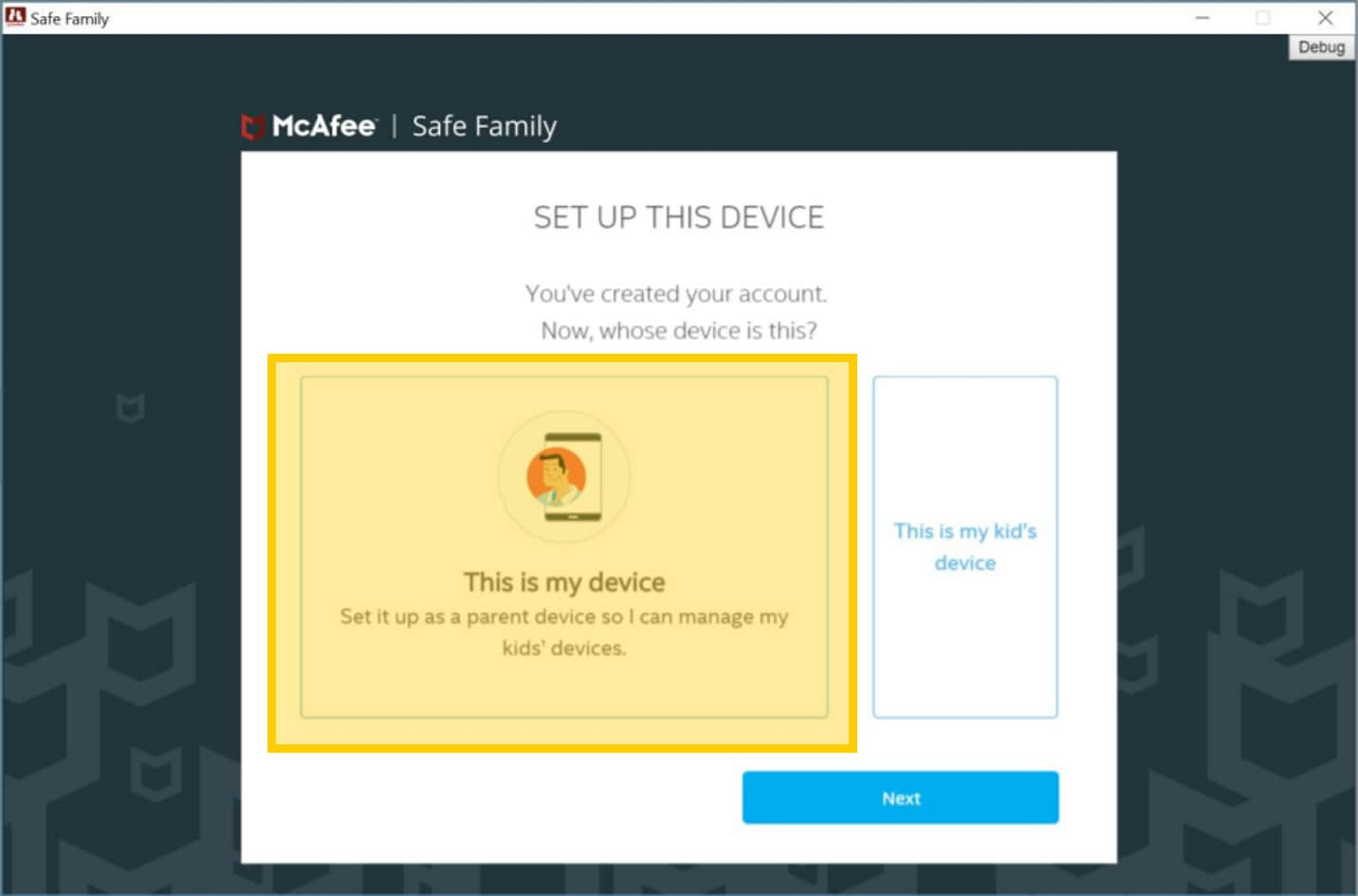
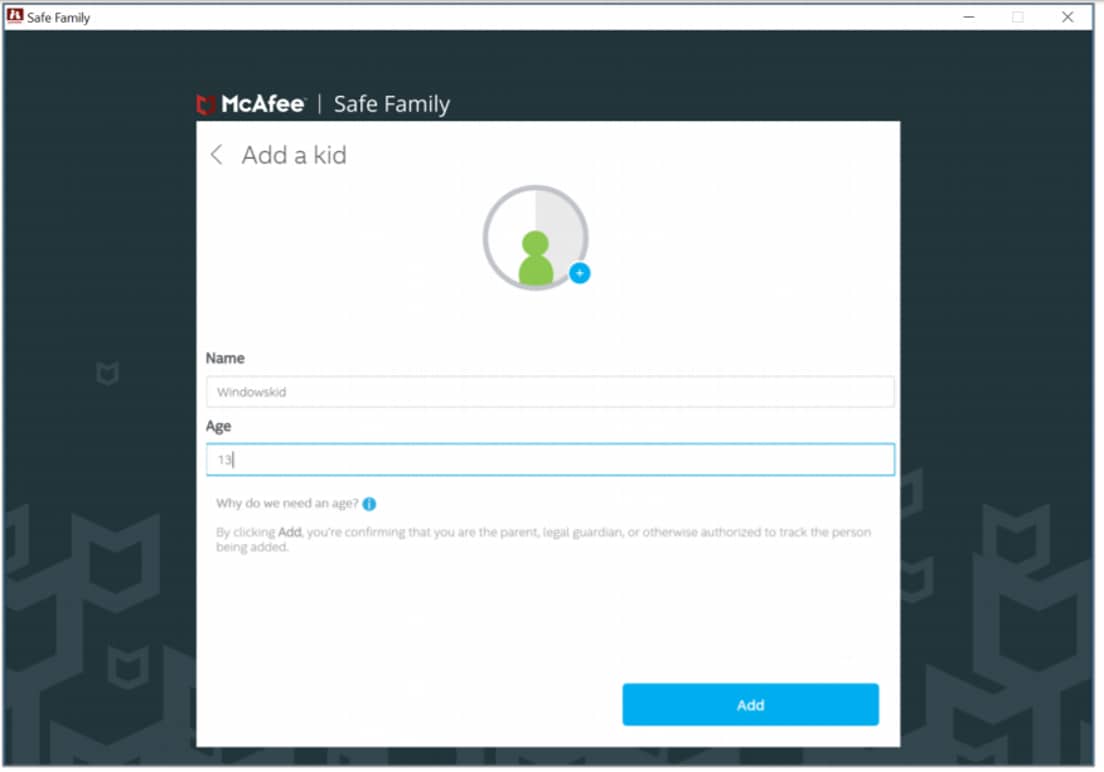
Here's how to activate your subscription, get set up on all your kids' devices, and start managing their device usage.
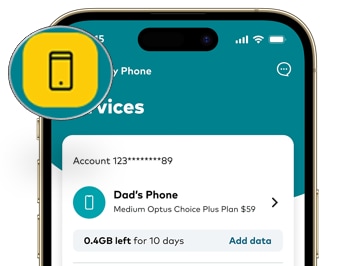
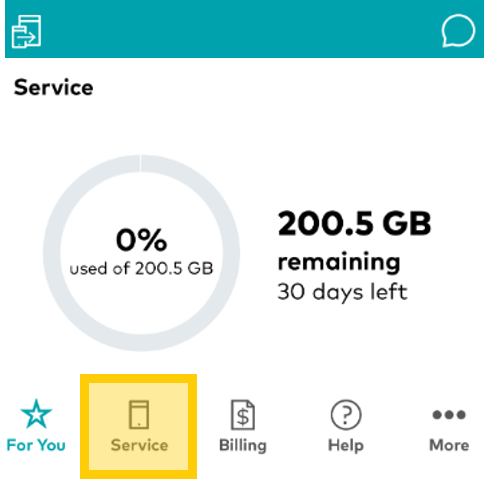
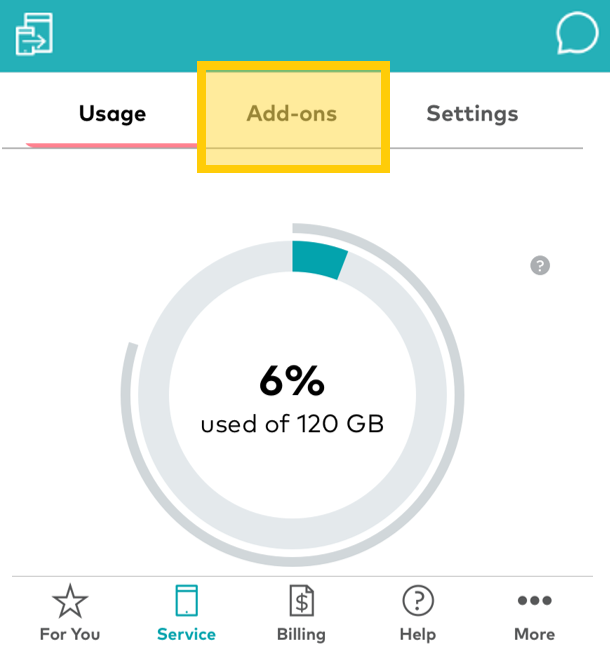
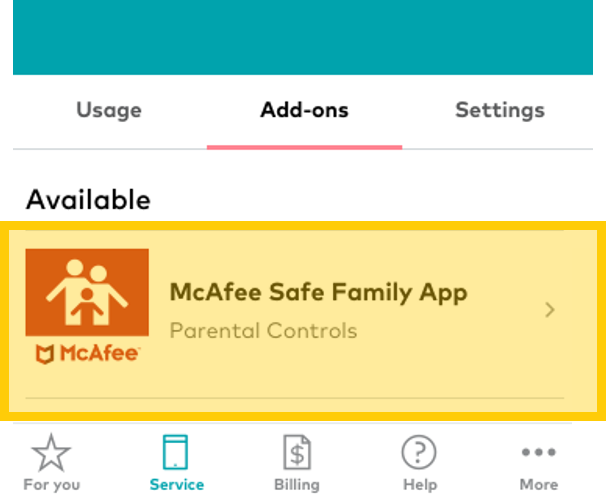
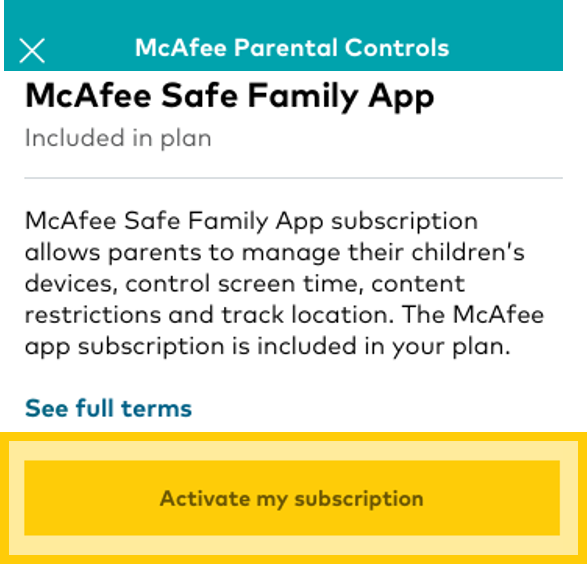
How to set up the McAfee® Safe Family App
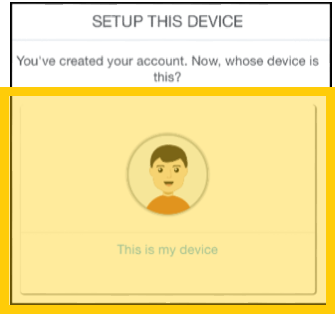
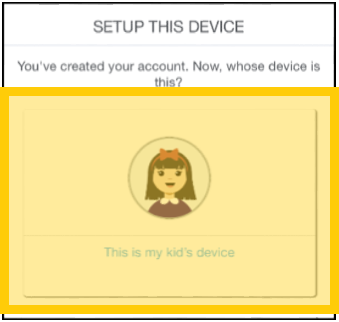
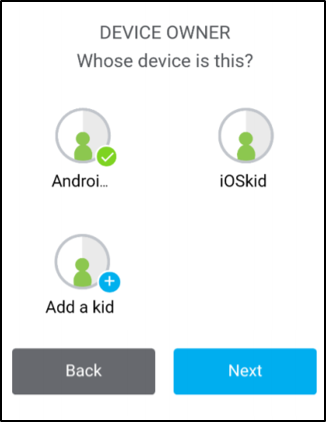
Here's how to set up the McAfee® Safe Family App on both your device and your kids' devices.
Note: You'll need to be connected to either WiFi or mobile data to set up the App.
The instructions differ slightly between iOS, Android and Windows, so choose the tab that best applies to your devices.
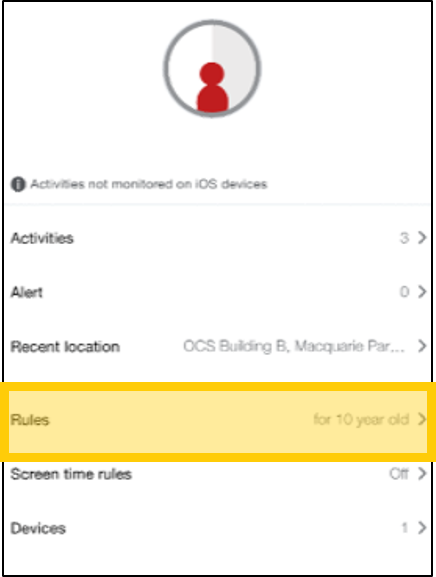
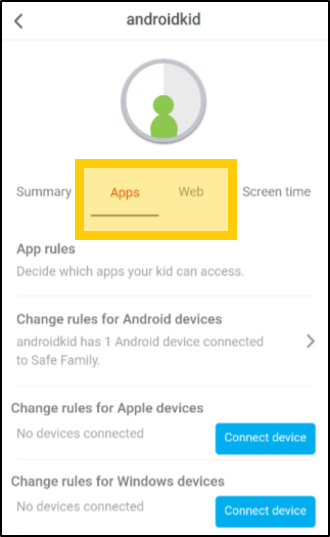
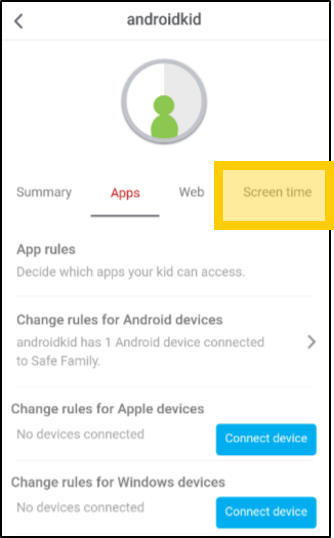
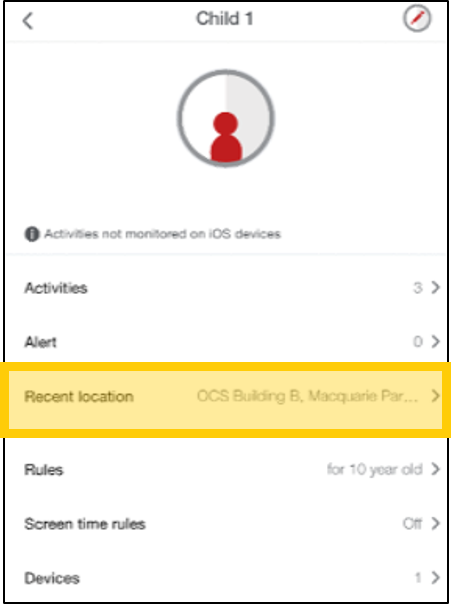
How to set up Family Rules
Rules are set automatically based on the age you entered for each kid, but you can modify them.
Further help
- Find out more about the McAfee® Safe Family App here
- If you're having trouble with your App, see our common troubleshooting tips here
- If you need any further help, check out the McAfee® customer support website here