Digital safety for young gamers
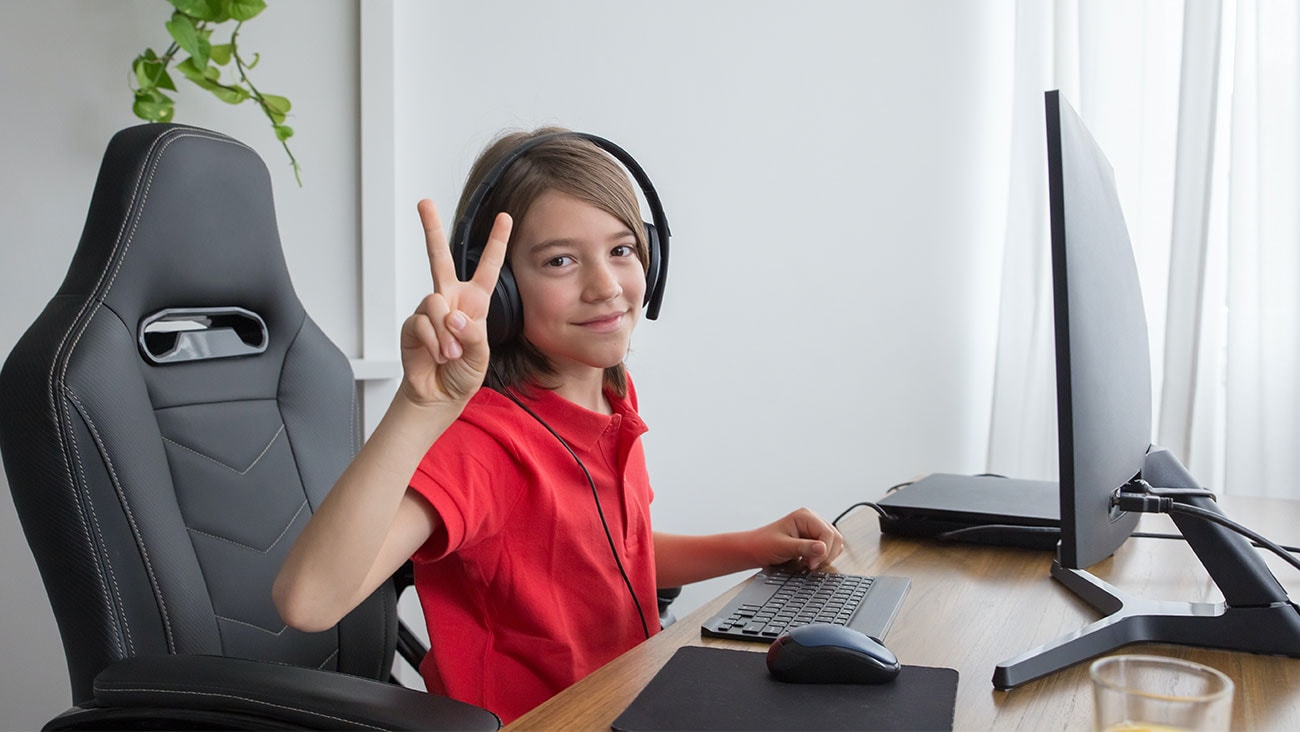
Online gaming is popular with kids and adults alike. Connecting with others and team play is heaps of fun but unfortunately, hackers, scammers, and bullies love gaming too. Here are some simple steps to ensure your child has a positive gaming experience.
Check the game that’s being played
Like movies, it’s a legal requirement that all games come with age recommendations and advisory classifications – this information is designed to provide parents and care givers with enough detail to help make an informed decision to watch or play.
Here’s a summary of the Australian classifications for films and computer games.
General (G) – suitable for everyone.
Parental Guidance (PG) – mild in impact but may contain content that underage children find confusing or upsetting and may require the guidance of an adult.
Mature (M) – not recommended for children under the age of 15 Mature Accompanied (MA15+) – for people over the age of 15
Restricted (R18+) - for people aged 18 years and over
Test run the game yourself
Playing the game yourself or alongside your child will provide you with a firsthand experience of what’s being shown and featured.
Nowadays so many online games also involve communicating with other players online. These team players/ competitors can be almost anyone and is not exclusive to region or age.
If you are uncomfortable with any of the content or game storyline – playing the game yourself will easily help discern whether or not this game is appropriate and give insight on who your child is communicating with. It’s also a good idea to set access to play to “friends only”.
Have a chat about digital safety
The importance of being safe can sometimes get lost when playing games online. As soon as children start accessing the internet, it’s best to have a conversation about digital safety and educate them on the red flags to be aware of.
This will also be a great opportunity to lay down some gaming rules.
Here’s some important guidelines:
- Know who you’re playing with. It’s a good idea for your child’s gaming community to be people they know in real life. This is especially important for meeting anyone face-to-face
- Keep comments respectful and don’t engage in negative content
- Don’t share private information. such as your full name, where you go to school or work, or where you live
Code of Conduct
It never hurts to be aware of the community rules of an online game.
Every online game will have code of conduct that outlines what behaviour is permitted, how offensive interactions are managed and will also let you know about their reporting system should anything need to be flagged.
Keep in mind that most online games played on streaming platforms will more than likely have a moderator whose job it is to manage commentary, behaviour and guidelines. Should a player’s conduct be considered inappropriate or breach gaming rules, moderators can delete comments and remove players for the safety and enjoyment of others. Players can also report inapppropriate comments and ask for them to be removed, within the game and can also report the matter to the eSafety Commissioner.
Digital education for kids
To help educate kids how to be safe in all aspects of their online life, the Optus Digital Thumbprint program provides free, curriculum-aligned workshops that teach primary and secondary students how to participate safely online. It gives kids the tools they need for positive, responsible and authentic online experiences. The program has been endorsed by the eSafety Commissioner as a Trusted eSafety Provider and covers a range of topics like cyber security, cyberbullying and respectful relationships, digital discernment, technology and balance, and online identity.
So far, over 430,000 Aussie kids have completed a Digital Thumbprint workshop in metro and regional Australia. If you would like the program to come to your child’s school, then let us know here.
Find out more about internet safety for your family.
Register for our workshops.
Find more about The Office of the eSafety Commissioner.
If you feel a young person in your life needs help and support, please let them know that Kids Helpline is there for them at any time. Find out more at https://kidshelpline.com.au or dial 1800 55 1800.
| Explore our Family Hub for more great advice and information on cyber security. |
Optus Digital Thumbprint teams up with Hoops 4 Health to keep young people safe online
2 July 2026
Optus Digital Thumbprint and Supercars star Chaz Mostert helped deliver a Hoops 4 Health session in the Top End, empowering...
Donate Your Data. Help Change Lives.
23 February 2026
When people think of hardship, they don’t always picture Australia’s Northern Beaches. But behind the coastal postcard lies...
5 key conversations to have with your kids on digital safety - emojis, acronyms and online slang
27 May 2025
Technology is evolving rapidly, and artificial intelligence (AI) is now a part of our everyday lives. From Google Maps sugg...