EOFY scams: how to stay safe
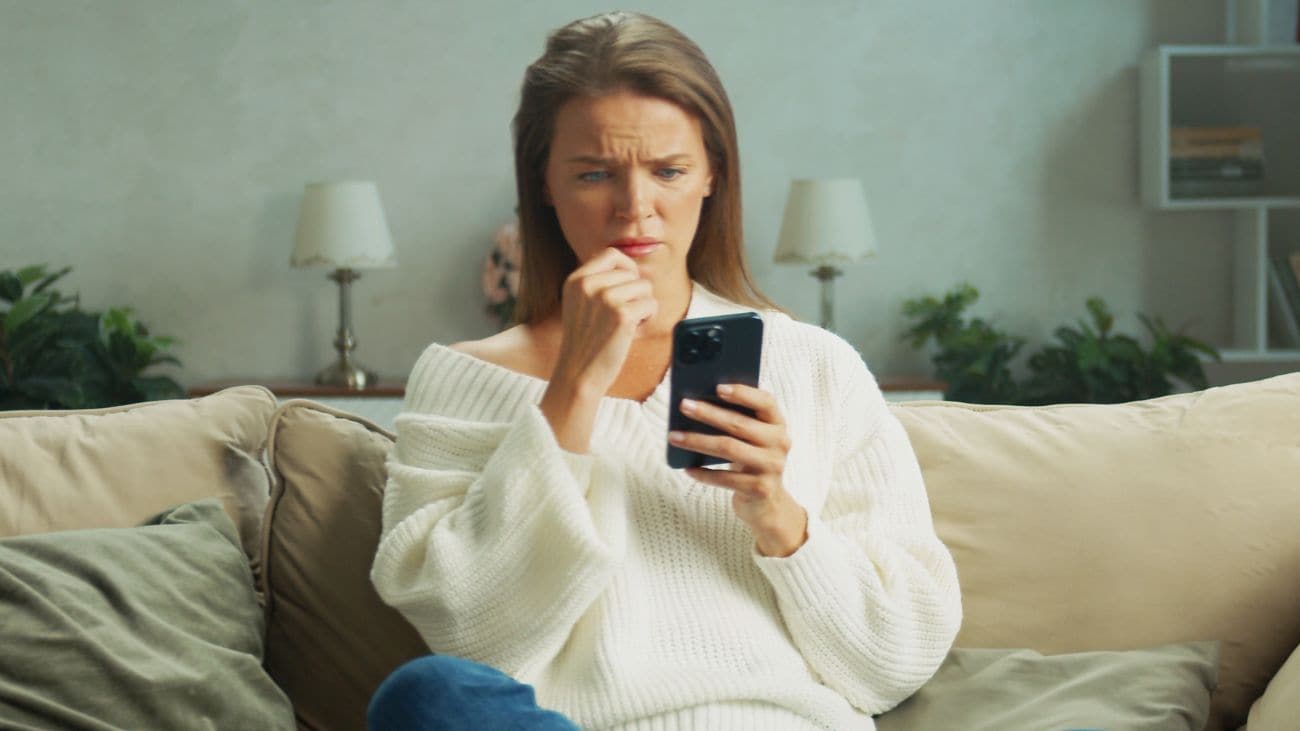
Image credit: Adobe Stock
EOFY season is here, and while many Australians are focused on lodging their tax returns and keeping an eye on their finances, scammers might be counting on you to not be aware of scams during tax time.
In the past, we've seen scammers pose as government agencies and other organisations, targeting Australians with fake notifications, refund offers and urgent requests for action. These scams are designed to exploit the busy EOFY period, when many people are expecting legitimate communications about their financial affairs.
We don't want anyone to fall victim to a scammer – that's why we're keen to get you up to speed on EOFY tax scams as we approach the end of October.
There are a wide range of scams out there and it's important to remember that scammers may also use shopping-themed messages and fake deals to try and catch people out. We encourage you to read our 'how to spot a scam’ resource to help you stay alert to all types of scams and help keep your personal and financial information safe.
How to spot an EOFY scam
The ACMA has done great work detailing what an EOFY tax scam is. The government authority warns that these scams “take advantage of Australians who are submitting tax returns or waiting for the outcome of an assessment” (1).
According to the ACMA, EOFY tax scams typically include robo-calls or calls from people impersonating government departments. You may also encounter a scam through a text message or email purporting to be from an organisation that you know of or a government website.
These kinds of scams may include pressure to get you to do something – such as telling you that there’s an important message to read once you’ve clicked through a link, or important information on your tax return, and including a link to a website in the text or email.
It’s important that, if you receive a link in a text or email purporting to be from a government organisation, do not click it. Travel to the official webpage directly.
Additionally, if a message includes requests for personal details, such as name, address, or passwords, do not give them over. Government organisations will never ask for these over an email or text.
“Remember, [government organisations] will never send you a text message or email with a link to access online services. If the message contains a link to login to what looks like these services, it’s probably a scam,” the ACMA wrote.
How do I report a scam?
If you believe you’ve spotted a scam, you should report it to ScamWatch immediately. Reporting a scam to ScamWatch helps the program take action and stop scammers in their tracks.
Organisations such as Optus itself, banks, companies, charities and government may also have avenues of reporting scams directly to them. For Optus customers, if you believe someone is attempting to phish for your Optus details, you can let us know by contacting us. You can also tell us about SMS scams via Scamwise in My Optus App.
How does SMS Sender ID help?
To combat SMS scams and protect consumers, the Australian Communications and Media Authority (ACMA) has implemented a mandatory SMS Sender ID Register, which came into effect on 1 July 2026.
Messages from businesses with Sender IDs not included on the register will be labelled as “Unverified”.
This is to help Australians stay safe from SMS scams by providing verification that a message with an SMS sender ID has come from a registered company or organisation.
DISCLAIMERS
- As of June 2026

Zachariah Kelly is a writer at Optus, specialising in mobile technology and consumer electronics. With 6 years behind him covering the Australian tech landscape, Zac has written for several Australian news websites. When he’s not writing about the latest phones, he’s obsessing over electric cars and video games.
 Connect with Zachariah
More than a game: celebrating the community spirit of the Koori Knockout
6 October 2026
We’re proud to show up for important events like the Koori Knockout.
Should I buy a smartwatch for my kid?
6 October 2026
A smartwatch can be an awesome gadget for a child, particularly if you want to keep in contact with them or be sure of wher...
What are the coolest features that smartwatches have?
6 October 2026
Interested in getting a smartwatch? Here are some of the cool features that you should keep in mind (particularly if you’re...