Digital Safety & Wellbeing Virtual Classroom with Chaz Mostert
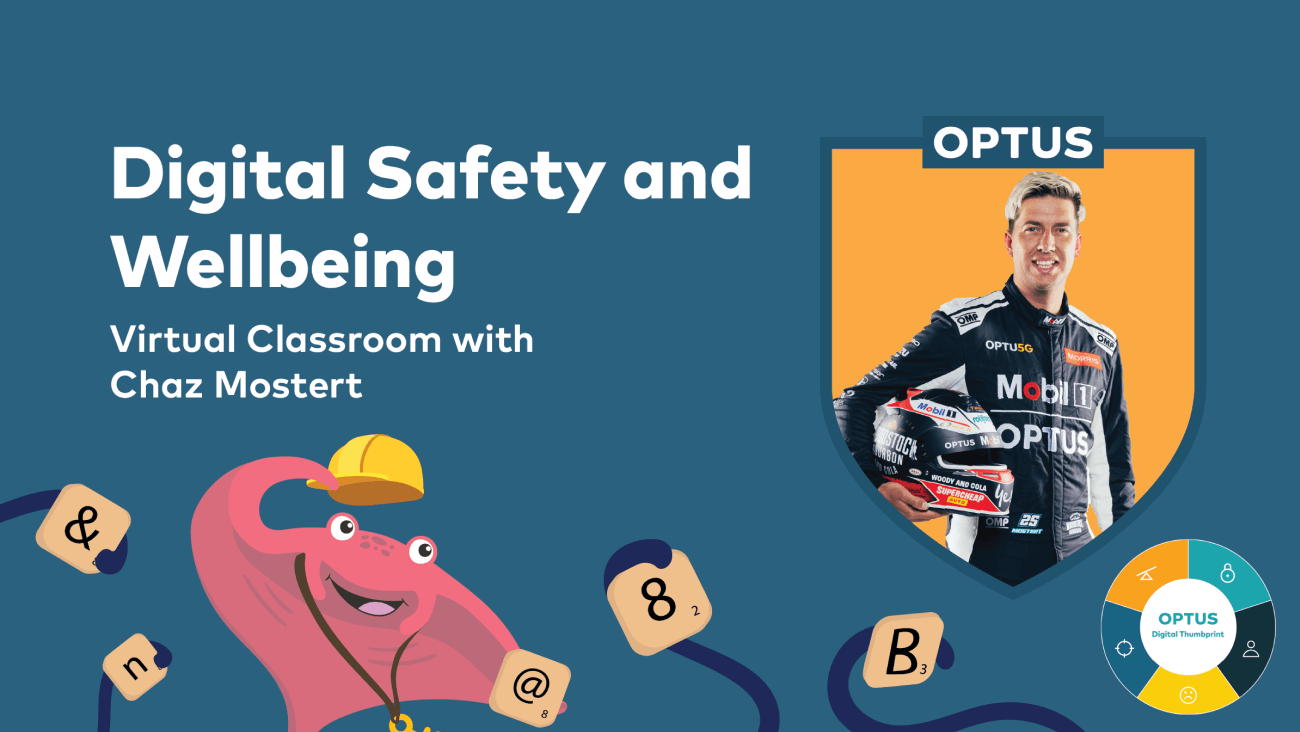
Optus Ambassador Chaz Mostert, Bathurst 2021 winner, and advocate for online safety, will be the special guest at a free Optus Digital Safety and Wellbeing Virtual Classroom event on 10 August at 12 noon.
Free of charge and open to primary students nationally in grades 3-4 and 5-6 and their teachers, the event is part of the Optus Digital Thumbprint program covering digital safety and education topics and workshops for primary and secondary students.
Online safety learnings
As part of the Virtual event students will learn about:
- Ways to protect themselves online
- Who to connect with and what’s safe to share?
- About cyberbullying and respectful relationships
The interactive sessions are focused on encouraging student engagement and will allow students to ask Chaz questions and answer quizzes to help their understanding of cybersafety.
Keeping young people safe online
There are several ways young people of any age can be encouraged to protect themselves online - whether they’re playing a game or using apps.
1. Create strong passwords
A strong password is a mix of letters, symbols and numbers. Using personal information such as a birthday, address or names of people students know isn’t the best way to protect themselves. It’s also important that they create different passwords for different logins and don’t share their passwords with anyone other than their parents or guardians.
2. Learn how to respond to pop-ups
There are a few things students can do to avoid pop ups appearing on their screen. One easy way to block pop ups is to turn them off in the settings of their browser. If student don’t know how to do this, they can ask a teacher, parent or adult to help. However, it’s always best if they avoid opening pop ups - even if it’s part of a game or app. They may unwittingly incur additional costs or go to an unwanted site.
3. Only use age-appropriate apps
It’s a timely reminder that students must be at least 13 to use Instagram, Facebook, Snapchat and TikTok. Some gaming apps also require users to be a certain age so students should check with an adult first.
4. Handling hacking
What can students do if they’re hacked? Firstly, they should always tell an adult if they think they’ve been hacked. It’s important to then change their passwords to ensure they’re secure. Most websites and apps also allow students to report behaviour that they think is odd or make them feel uncomfortable via the help or contact section of a web page or app.
What to share and not share online
It’s really important for students to stop and think about what they share online, after all the internet is an enormous space.
Sharing photos of themselves, their friends or family is okay, but ideally, they should get permission before sharing them. Students should avoid having photos of themselves in their school uniform, in front of their school sign or any photos that show where they live. It’s important to keep these things private as photos can be easily shared.
What about posts and messages? Kindness goes a long way. It’s important to ensure that any posts or messages students send to others are appropriate, kind and respectful. They shouldn’t share someone else’s messages unless they’ve been given permission to do so. Also, students should be reminded not to use rude words or say hurtful things to others.
Going viral
Posts, photos, text messages, articles and videos can all go viral online and a short period of time they’re seen by a lot of people.
This can be great if it’s something that was intended to be seen but, it can be very dangerous if students never intended for lots of people to see their post as it becomes very difficult to stop or to delete once it’s seen by lots of people.
This underscores the importance for students to be mindful of what they post online as these can have unanticipated and sometimes unpleasant consequences.
Who’s who online
Connecting online is a lot of fun. But students should be mindful of who they connect with online and use the same discretion for when they’re talking to people in person.
For example, they wouldn’t normally chat to complete strangers. The same applies online and they should contact their parent or teacher if they are uncomfortable or worried about it.
What’s cyberbullying?
Sometimes students may encounter online bullies or know of someone who’s been cyberbullied. There are lots of places they can go to for help - the first is to someone they trust - an adult such as a parent or teacher is a great idea, or they can try eSafety Kids or the Kids Helpline.
It’s really important for students to understand they can get help if something goes wrong or has upset them online – including in a game.
Digital Thumbprint workshops
Optus has developed three interactive and gamified Digital Thumbprint workshops for primary school students and teachers covering:
- Keeping information safe online
- Staying safe on apps & games
- Cyberbullying & being respectful (coming soon)
Teachers can register their classroom to complete these workshops individually or as a class on a laptop or tablet devices and earn cool digital badges for student achievements. Parents can also nominate their students’ school and our team will contact the school.
Digital education for your child’s school
Through our Digital Thumbprint, Optus provides free, curriculum-aligned workshops that teach primary and secondary students to participate safely online, with the tools they need for positive, responsible and authentic experiences. The program has been endorsed by the eSafety Commissioner as a Trusted eSafety Provider and covers a range of topics like cyber security, cyberbullying and respectful relationships, digital discernment, technology and balance, and online identity.
So far, over 430,000 Aussie kids have completed a Digital Thumbprint workshop in metro and regional Australia. If you would like the program to come to your child’s school, then let us know here.
Register for our workshops.
Find more about The Office of the eSafety Commissioner.
If you feel a young person in your life needs help and support, please let them know that Kids Helpline is there for them at any time. Find out more at https://kidshelpline.com.au or dial 1800 55 1800.
Optus Digital Thumbprint teams up with Hoops 4 Health to keep young people safe online
2 July 2026
Optus Digital Thumbprint and Supercars star Chaz Mostert helped deliver a Hoops 4 Health session in the Top End, empowering...
Donate Your Data. Help Change Lives.
23 February 2026
When people think of hardship, they don’t always picture Australia’s Northern Beaches. But behind the coastal postcard lies...
5 key conversations to have with your kids on digital safety - emojis, acronyms and online slang
27 May 2025
Technology is evolving rapidly, and artificial intelligence (AI) is now a part of our everyday lives. From Google Maps sugg...