How easy is it to get started with Android?
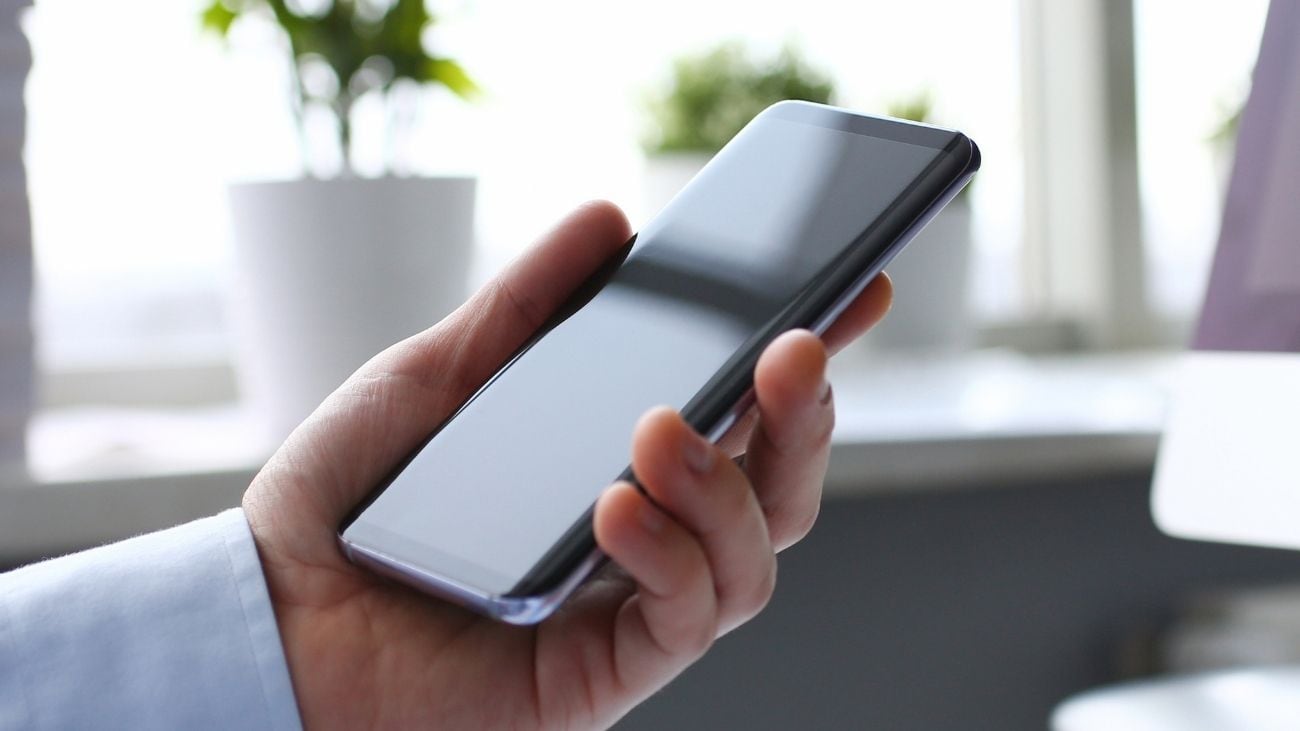
Image credit: Adobe Stock
If you haven't already picked up an Android phone, you've probably thought about moving over at least once. Now and again there'll be an awesome new model or an epic new feature that piques your curiosity, though you may be concerned about how easy it is to move over to Android. Good news – it's simpler than ever, with improvements made to the process over the last several years.
We think everyone should pick up the phone that best matches them, their tastes and ultimately what their everyday needs require. If you take lots of photos for example, you may value a phone with three high-quality cameras on the back. Similarly, you might just want a phone that's simple to use, and there are plenty of Androids that meet that need.
So we're putting this article together in case you were curious about if you were to move over to the Android side. Let's dive right in.
What data can I transfer to Android?
According to Android, If you're transferring data from a supported non-Android smartphone to an Android smartphone, you can transfer contacts, locally-stored photos and videos, and calendar events. If you transfer using a cable, you can also bring over messages, notes, and apps via Google Play download (note that app and microtransaction costs may apply).
Learn more about support and data transfer on the official Android website. If you're switching to a Samsung phone, you may also want to read up on Samsung Smart Switch.
Switching to Android – five simple things to consider
Switching to Android is easy. If you're moving on from a feature phone, such as one with physical buttons for every number and group of letters, then it may be as simple as moving your photos and contacts onto a computer, then onto your new phone.
If you're moving over from a supported non-Android smartphone however, you may be concerned about losing your data, apps and contacts. The transfer process is quick and simple, without worrying about having to completely start from scratch or losing these things.
Select Android devices also allow for more data to be transferred across from from photos, contacts, messages and more to critical data like passwords and Google accounts. We’re going to go through a generic transfer in this article, though know that there may be more to the switching process depending on your needs, apps and requirements.
- Back-up your data Before getting started with a transfer, it's important that you back-up any essential data. You could move your essential data to a cloud storage service, such as Google Drive. This is just to ensure nothing gets lost as you move phones, and you can still bring a lot of data over with you.
- Wireless or via cable transfer? For most Android smartphones, the official Android website recommends connecting your two phones via a cable – be it USB-C to USB-C, or USB-C to Lightning, depending on your model. You can also use the Android Switch app if there's no cable you can use.
- Begin the transfer process Android recommends having both phones at least 80 per cent charged before proceeding with the transfer and setup process. As you proceed through the setup process, you'll be asked to accept terms and make choices to configure your phone. Pro tip: during the transfer process, Android recommends turning off FaceTime and iMessage if your phone has these apps to ensure you don't miss a notification when you're on your new device.
- Lay out the phone how you like it Set-up shouldn't take too long, though moving over your data may make it take longer. Once the phone software has properly configured, you'll be able to use the phone as normal, and make texts, calls and download apps at will. Move your apps around on the home screen, or add widgets, make the background your favourite picture or colour, and ultimately make it yours.
- Enjoy Android There's so much to enjoy when you've finally gotten started with Android. Check out the Google Play Store for all kinds of new apps, and customise your device's theme, sounds effects and more until it perfectly suits your needs. Optus offers a wide range of Android phones, with a model suitable for everyone. You can check them out below.

Zachariah Kelly is a writer at Optus, specialising in mobile technology and consumer electronics. With 6 years behind him covering the Australian tech landscape, Zac has written for several Australian news websites. When he’s not writing about the latest phones, he’s obsessing over electric cars and video games.
 Connect with Zachariah
Android phones: four reasons to pick one up
26 October 2026
Considering an Android phone? Here are four reasons to pick one up.
How easy is it to get started with Android?
26 October 2026
It's easier than ever to switch to a new Android phone. Here's how.
Optus innovation: World firsts, Australia firsts and more
23 October 2026
We’re proud of our innovation, with our world firsts and Australian firsts focused on how we improve the experience for our...