How to set up the perfect home theatre room
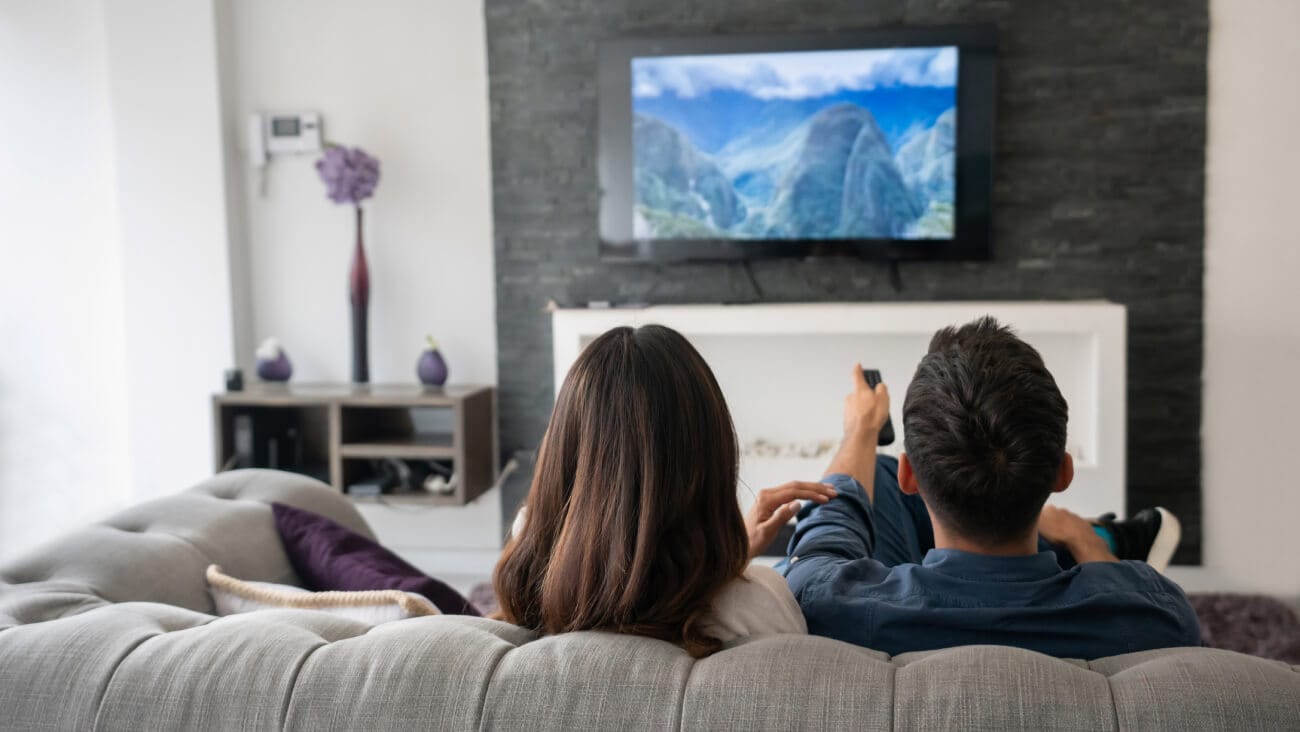
Image credit: iStock
Streaming services has forever changed the way we consume media. Now when we want to watch the latest movie or binge a TV series, we don’t have to leave the comfort of our homes anymore. All that really needs to be done now is finding the free time.
Bringing the movie going experience home has never been easier. With just a couple home tweaks and maybe some investments, all living rooms and spare spaces can easily be converted into a home theatre. The idea of setting up gear and making extreme home changes may sound overwhelming and time consuming – but it’s not as hard as you may think, and you may not even need to do any remodelling.
We’ve compiled the best tips and recommendations on how to set up a home theatre just for you. Happy viewing!
The first step in setting up your home theatre is figuring out where it should go. If you’re fortunate enough to have a dedicated room for a cinema or able to convert a family room, then your conversion will be easy.
Should you be working with a standard living room like many of us, the key to building a home theatre atmosphere is versatility – making the space fit enough to act as both a shared area and an entertainment room.
To do this, it’s all in the decor details. Try to make sure that all seating arrangements have a good view of the screen, choose furniture that people can easily unwind in and best of all - the luxury of having a theatre at home is that you don’t have to sneak in blankets and snacks. Make your room cosy enough so you can comfortably kick up your feet and relax.
Now that you’ve selected your location, it’s time to balance out the room. To make use of your space, there are a couple things you can do. Try to find the right type of mood lighting, remove any glare from windows and check the acoustics of your room.
You can certainly download an app to check the sound levels of your space or purchase a testing microphone to measure noise – but a simple (and free) alternative method is simply clapping your hands. If you hear a faint echo or ringing, it suggests that your room is reflecting sound.
While it may be difficult to change your walls and floorings, you can implement a few things to help to offset echoes. Sounds may be bouncing off your floors and so using rugs and carpets can counter noise reflections. Drapes can also help stop windows bouncing noise and placing your speakers directly in front of the viewing seats will help direct sound better. Canvas paintings, tapestries and decorative wall features will also help absorb sound to reduce echo.
There’s something special about a projection screening – but should this not be a realistic purchase, a quality TV can work just as well. The advancement of TV technology has improved so much within the last couple of years, some TV models on the market now can even rival the cinema experience.
In saying that though, investing in a projector can elevate your viewing and make it feel more cinema like than just sitting in front of your everyday TV. A projector will enlarge your screen space, give you more control on brightness and contrast and depending on your setup – can also be portable. It’s important to remember that the projector you choose should be a home cinema-centric version with HDMI inputs rather than a model made for business presentations.
With projectors, there are two types of screens options available – motorized and non-motorized. The difference is that motorized projector screens can unroll with the remote while non-motorized screens require you to physically roll/ pull down the screen to use. To size your projection onto the screen, simply turn your projector to view how big the image is cast and fit accordingly.
Pairing a projector with poor speakers is never a good idea, even the best movies can be ruined by bad sound quality.
Using a laptop speaker will do the job but it will more than likely take away from the viewing experience. Generally, you are sitting away from your screen and so the audio is further away – installing a sound system or purchasing a quality speaker will automatically enhance your home theatre.
There are four basic home theatre audio systems to choose from and the best choice for your house is simply dependent on your preference. The four main options include the home theatre in a box system, a sound bar, component system and component separates.
There’s no point of home theatre without movies and TV options. Thankfully, Optus SubHub has everything you need. From Oscar winning dramas to classic sitcoms, the options are endless - so you can find something for every mood.
With Optus SubHub you can manage the best of your subscriptions all in one place and in one payment. All your entertainment needs and wants are covered with Netflix, Amazon Prime, Paramount +, Binge, Optus Sport, YouTube Premium and more.
Optus SubHub
Easily manage your eligible subscriptions by bringing them together in one place with one simple payment each month. Save up to 10% on eligible subscriptions including Netflix, Amazon Prime, Paramount+, BINGE, BritBox, YouTube Premium, and more when you link them to Optus SubHub. T&Cs apply.
 Share on Facebook
 Share on Twitter
 Share on LinkedIn
Black Friday tech deals: when do Black Friday sales start?
12 October 2026
Black Friday tech deals are almost here. This is what you need to know about the big annual sales event.
EOFY scams: how to stay safe
7 October 2026
Stay safe this EOFY season – protect yourself from EOFY scams and read up on the tactics of scammers.
More than a game: celebrating the community spirit of the Koori Knockout
6 October 2026
We’re proud to show up for important events like the Koori Knockout.