Your complete guide to nbn® home internet

If you’re in need of a better home internet solution and wondering which of the nbn plans is right for your lifestyle, the Optus team of experts have compiled this handy guide to everything you need to know. Now you can shop home internet plans and nbn deals with complete confidence.
Contents
- What is the nbn?
- Why do I need home internet?
- Is the nbn available at my address?
- Do you need a phone line when connecting to the nbn?
- Can I connect to the nbn when building a new home?
- Can I connect to the nbn when in a granny flat?
- Can I connect to the nbn if I’m renting?
- Can I get internet without nbn?
- How can I switch to an Optus nbn plan?
- Can I use my own modem with Optus nbn?
1. What is the nbn®?
The National Broadband Network, also known by the acronym nbn®, is Australia’s broadband network. In a nutshell, the nbn network is how you will, or maybe already do, get the internet for your home or business. The nbn network has been purpose built to deliver a reliable internet service and online experience. The nbn is run by NBN Co, which is a wholesaler, which means you don’t buy internet services from them directly. Instead, they partner with telcos like Optus, so you can pick the nbn home internet plan that’s suited to your needs, plus a choice of great entertainment.
Who builds & maintains the nbn® network?
The nbn network is owned, built, run and maintained by NBN Co – a government business entity. They’re responsible for building and maintaining the infrastructure that enables the nbn network to exist.
2. Why do I need home internet?
Home internet connects you to work, communications, entertainment, information, and essential online services from the comfort of your home.
3. Is the nbn® available at my address?
Millions of homes are already connected to the nbn network, and it’s easy to find out whether you are eligible. To check what Optus nbn plan you can get simply head to our nbn plans page and enter your address in the nbn checker.
4. Do you need a phone line when connecting to the nbn®?
No, the nbn does not require a phone line to deliver the internet to your home.
With the popularity of mobile phones and increasing data allowances on mobile plans, a landline is becoming less essential for many Australians. If you’re making the switch to the nbn, you might be wondering if you need a home phone line. The good news is that the nbn does not require a phone line to deliver the internet to your premises.
If you’ve previously had an ADSL connection, you are probably aware that it relied on a copper phone line. This is because both a home phone and internet service on ADSL were delivered on the same copper wire infrastructure. However the nbn primarily uses a totally different cable network that is separate from the lines used to connect a home phone service.
What happens if you want to keep your home phone line?
Optus nbn plans include a home phone service provided via VoIP (Voice over Internet Protocol), which works through your internet connection. However, VoIP phones won’t function during power outages, even for emergency calls.
5. Can I connect to the nbn® when building a new home?
Yes, you can connect to the nbn® when building a new home, and the process typically involves checking availability, planning with your builder, choosing a plan, and setting up the required equipment.
Building your own home or buying a brand new one is an exciting and busy time. There’s a lot of things to consider and remember, especially if you’re building a new property. One of those important considerations will be your internet connection. For most new builds, the nbn will likely be the best and most practical option. Fortunately, getting connected to the nbn with a new building should be a straightforward process. Let’s take a look at the steps you will most likely need to go through to get your new home nbn ready.
Speak to your builder or developer
If you are in the process of building a new home, make sure you speak with your builder or developer about your internet connection. Think about how you will need to use the internet and in what rooms you will use it the most. It’s also worth considering which rooms you’d like a phone line connection in as well. You should also have a chat with us at Optus or your preferred internet service provider, because during the building process you may be able to request where the nbn equipment is installed.
If you’re about to move into a brand new completed home, all you need to do is check your eligibility by entering your address here.
6. Can I connect to the nbn® when in a granny flat?
Yes, you can connect to the nbn network in a granny flat, but options depend on whether the flat shares an address with the main residence, with solutions ranging from extending the main connection to using wireless broadband.

Granny flats and outbuildings are an increasingly common living situation for many Australians. Of course, getting connected to fast and reliable internet is important no matter what your home looks like.
As a fixed internet service, the nbn typically requires cable access to the property in order for you to get connected. This can present some unique challenges if you’re sharing a block of land with another residence. Fortunately, there are still several options available to get you connected to the nbn.
Where to start?
The most important step is to determine whether you share your address with the other residence on your block of land. If you do not share an address, then you can simply purchase your own nbn plan and get connected. If you do not have your own address, then you will likely need to take some of the steps outlined below.
Have a chat to your landlord or the owner of the primary residence on your block of land. If you are not the owner of the land, at the very least you’ll need to get permission from the owner in order to connect to a fixed internet service like the nbn.
Option 1: Extended connection from the primary residence
If the owner of the primary residence on your block of land is already connected to the nbn, or plans to connect to the nbn in the future, then you may be able to simply extend their connection to your granny flat. Ensure that you speak with the owner about this option as they will likely need to contact their nbn provider to determine if this will be possible.
Option 2: Connect to the WiFi of the primary residence
Depending on your relationship with the owner, you may also simply be able to connect to their WiFi network and make use of their existing nbn connection that way. You will want to get permission from the owner to use their network first. Our Optus nbn plans include unlimited data, which, combined with the right speed pack for multiple users, would make them an excellent option in this case.
Option 3: Register your unrecognised address
If you currently share your address with the primary residence on your block of land, it may be possible for you to register your own address. Again, in this situation you should speak with your internet provider to check whether this option is possible for you. If it is, your provider will be able to walk you through how this change will take place and whether any additional costs may apply.
Option 4: Wireless Broadband
If you are not able to connect to the nbn in your granny flat or outbuilding, then you may wish to consider a different home internet option. Optus fast 5G home internet plans use the mobile network rather than a fixed line connection like nbn. It’s easy to setup and simple to take with you if you move – use the address checker on the Optus 5G page to see what wireless broadband service you can get.
7. Can I connect to the nbn® if I’m renting?
Yes, renters can connect to the nbn®, but you’ll need to check availability in your area and get permission from your landlord before choosing a plan and setting up the equipment.

Step 1: Check if you can connect to the nbn®
The first step is to check if the nbn® is available in your area. Enter your address to see your eligibility and the available nbn technology in your area.
Step 2: Get permission from your landlord
If you are renting, then you’ll need to get in touch with your landlord or real estate agent before you get the ball rolling on an installation. Depending on the type of nbn plan available at your address, further work might be needed to finish the installation. While many nbn technologies will likely need no further work if you already have copper cabling at your address, others like Fibre to the Premises (FTTP) or nbn HFC might need a utility box installed on the outside of the home and a connection box inside.
Step 3: Choose a plan
With permission granted, you can choose an nbn plan from an internet service provider like Optus. Different plans offer different advantages, such as unlimited data, home phone lines, entertainment extras and more. Make sure to check out our latest nbn plans and all the great extras they offer when doing your research.
Step 4: Setup your equipment
Depending on the nbn plan available to you, you may need a professional installation or be able to do it yourself simply. If you choose a plan with Optus we can provide both options and will let you know what you need to do.
8. Can I get internet without nbn®?
If you are not able to connect to the nbn, then you may wish to consider a different home internet option. Optus fast 5G Home Internet, or wireless 4G Home Internet, uses the mobile network rather than a fixed line connection like nbn. It’s easy to setup and simple to take with you if you move – use the address checker on the Optus 5G Home Internet page to see what wireless broadband service you can get.
9. How can I switch to an Optus nbn® plan?
There may be different reasons why you want to switch over to an Optus nbn plan, but the entire process can seem overwhelming. Most people treat their home internet connection as a must-have amenity, like paying rent or electricity, and they usually remain with the same internet provider for long periods. Before you change from your existing home internet service provider to an Optus nbn plan, there are a few things you need to do to make sure you don’t go without service during the process.
Select an nbn plan
Check out our Optus NBN plans and pick one that suits your lifestyle needs. Whether you’re just after something basic to catch up on social media and shop online, or if you want to be able to watch your fave shows and movies, there’s an nbn plan for you.
Can I keep my phone number?
Yes, you can transfer the home phone number you have from another service provider over to Optus, by popping into your local 'Yes' Optus Shop or by calling us.
It’s important that you don’t cancel your existing service number with your current provider until the transfer is complete.
How long does the transfer take?
nbn connections including Fibre to the Premises (FTTP), Fibre to the Node (FTTN), Hybrid Fibre Co-Axial (HFC) and wireless service transfers generally take around 30 minutes to go through. Once your Optus nbn connection is working, your old connection will be disconnected.
The usual timeframe to switch your fixed line phone number to Optus is 10 business days.
In the event that your address has never been connected or if the telecommunications equipment in your area requires an upgrade, then the time to connect may take longer. We will advise you if that is the case.
Will I need new equipment?
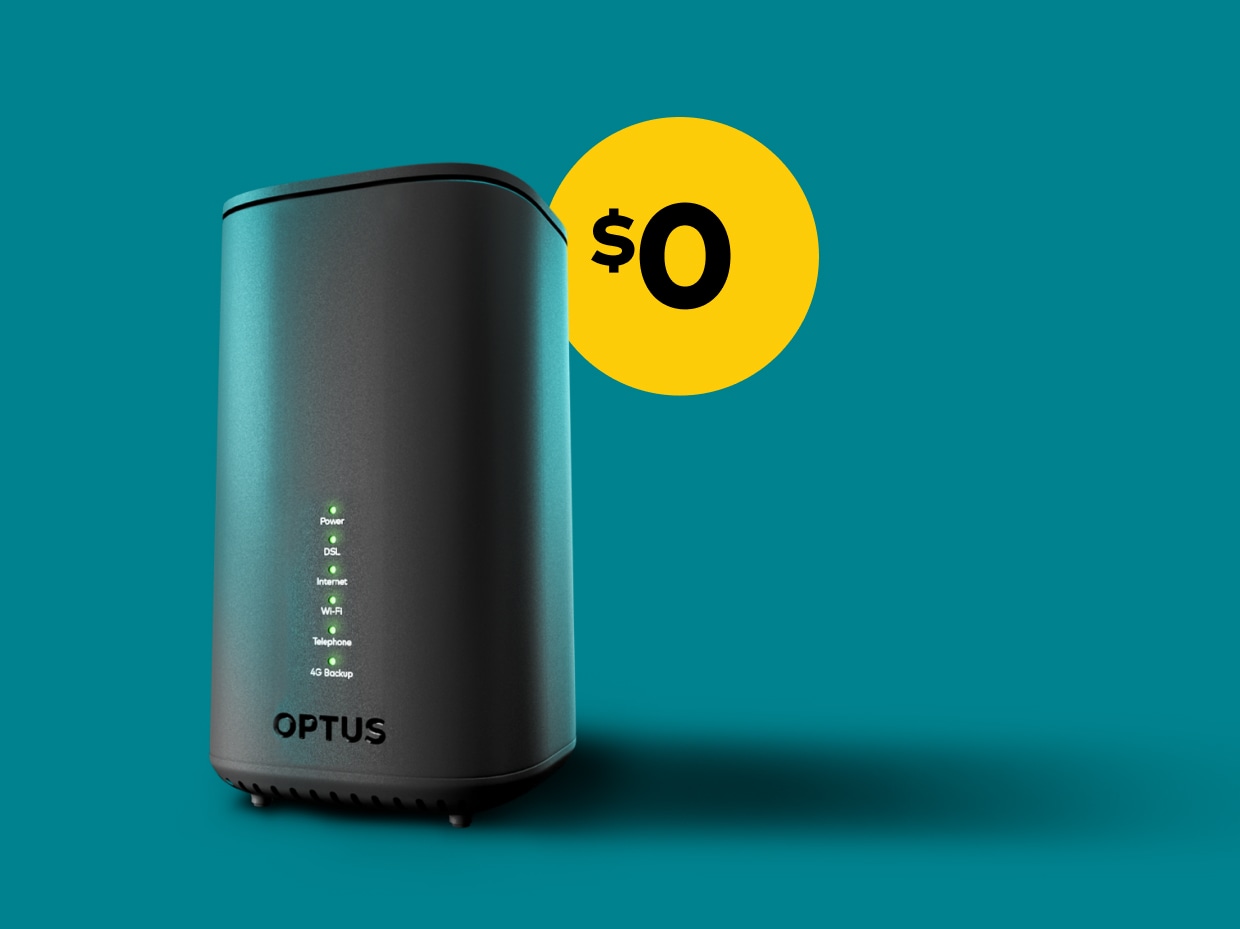
Optus will send you a new nbn modem router that enables you to connect multiple devices to the internet when you sign up for an nbn bundle.
New Optus customers will get the choice of taking an nbn modem router at no additional charge when they sign up to one of our nbn plans, included in one of our Optus Self Install Kits.
10. Can I use my own modem with Optus nbn?
Yes, you can connect to Optus nbn using your own compatible modem router, although it’s important to bear in mind that different models offer varying levels of service quality. There's no one-size-fits-all answer here, so it's best to check with your modem router manufacturer.
Plus don’t forget that new Optus customers can receive a brand new, superfast nbn-ready modem router for $0 over 24 months when they choose one of our nbn plans as part of an easy-to-use Optus Self Install Kit.
Your complete guide to nbn® home internet
27 January 2026
If you’re in need of a better home internet solution and wondering which of the nbn plans is right for your lifestyle, the ...
nbn® Connection Types & Installation Guide
27 January 2026
To find out more about Optus nbn plans and how to get connected, explore our range of great-value plans with fast speed opt...
Boost Your nbn® Speed: Upgrades, Tips & Performance Insights
27 January 2026
Your home internet plan speed is one of the factors that directly affects the performance of your connection and the device...