6 clever ways to reuse your old phone
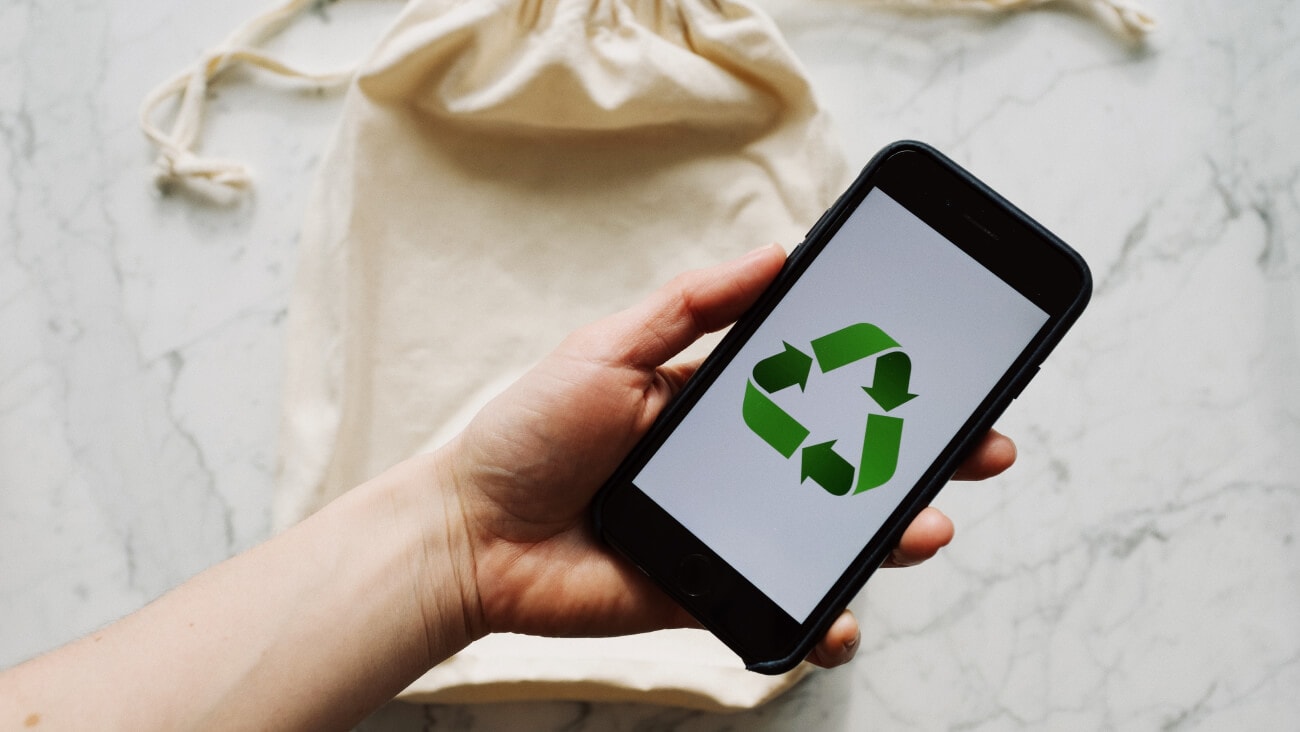
Image credit: ready made from Pexels
Keen to purchase a new phone but feel guilty about letting your current phone go to waste? Don’t worry, it’s a common feeling. That’s why we’ve come up with seven clever ways you can reuse your old phone so you can purchase a new one in peace.
From setting it up as a DIY security camera to a dedicated GPS, there are many ways you can reuse your old phone. Experiment and see which one works best for you.
You can take advantage of the camera on your old phone and turn it into a security device. Simply install a security camera app onto your old phone and ensure that the app can connect to your phone’s in-built camera systems. Depending on the app you use, you may need to record security footage on your old phone so make sure that there’s enough space in your device.
After configuring your old phone to use as a security camera, you’ll also need to find a location and mount for it so that it captures everything you need it to. After testing out your new security camera at the perfect location and settling on a table stand or wall mount, you’ll be good to go.
If you record your voice frequently, it may be a good idea to reuse your old phone as a dedicated microphone. Whether you’re recording a podcast, song covers, or simple voice memos, chances are that your old phone’s in-built mic is good enough to get the job done.
Similar to using it as a security camera, you’ll need to ensure that your old phone has enough memory to store high-quality audio clips before using it as a microphone. After you sort out storage, you may also need to purchase an additional mount for your phone that you don’t have to hold it while recording your voice.
Not having enough digital storage is a common problem these days, especially now with most people using phones, tablets, and laptops for both work and play. Rather than purchasing your electronic devices at an added price for more storage, you can simply use your old phone as a pseudo-hard drive.
Whether you want to keep photos, videos, audio clips, or app data, your old phone can fulfill all your storage needs. What’s more, you can easily transfer files to your old phone through cloud software or by connecting it to another electronic device such as a computer or laptop.
Don’t want to risk purchasing an expensive phone or tablet for your child? Why not give them your old phone? Chances are, your child won’t mind settling with a hand-me-down, especially if your old phone can still connect to the internet and play games.
You can also make use of the parental controls on your old phone to manage how your kids spend their time on a screen and what kind of apps and websites they can access online. Optus Pause is another feature eligible customers can use to control their kids’ screen time. You can press pause on eligible Optus mobile and home WiFi connections from both iOS and Android devices in My Optus app.
If you’ve got a little bundle of joy that needs constant care, it may be time to invest in a baby or pet monitor so you can keep an eye on them. Rather than purchasing a baby monitor specifically, why not reuse your old phone as a screen? Like you’d set up a security camera, you can also configure your old phone so that it works as a remote baby or pet monitor. Not only that, but the accessibility of your phone also means you can take it with you anywhere.
You’ll need to download an app that connects your phone to a camera monitoring your baby or pet. This can be another phone or an actual camera. The app will let you connect to the camera and watch your pet or baby, sometimes complete with sound and camera control.
Whether your old phone uses an iOS or Android operating system, you’ll be able to install Google Maps and use it as a GPS (global positioning system). This can be especially helpful if you’re driving a car that doesn’t have an in-built GPS. You can keep your phone-turned-GPS in your car using a car mount for optimal visibility and quick access.
Time for a new phone? Get a new mobile phone from Optus. You can buy a new phone outright or pair it with one of our SIM plans and you can pay it off over 12, 24, or 36 months while you remain on your plan.
Here’s the new and wide Galaxy Z Fold8 from every angle
10 August 2026
Keen on Samsung’s latest foldable? The Galaxy Z Fold8 takes on an exciting new shape, shorter than this year’s Fold8 Ultra,...
Compare Samsung Galaxy Z Fold8, Fold8 Ultra and Z Flip8 vs. Galaxy Z Fold7 and Z Flip7
23 July 2026
Looking to buy a foldable? We’ve compared the Samsung Galaxy Z Fold8 and Z Flip 8 to the Z Fold7 and Z Flip7 to help you de...
Introducing the Samsung Galaxy Z Fold8, Z Flip8, and Z Fold8 Ultra
23 July 2026
Samsung has just revealed the new Galaxy Z Fold8, Galaxy Z Fold8 Ultra and Galaxy Z Flip8.