Four fantastic things to do with a tablet
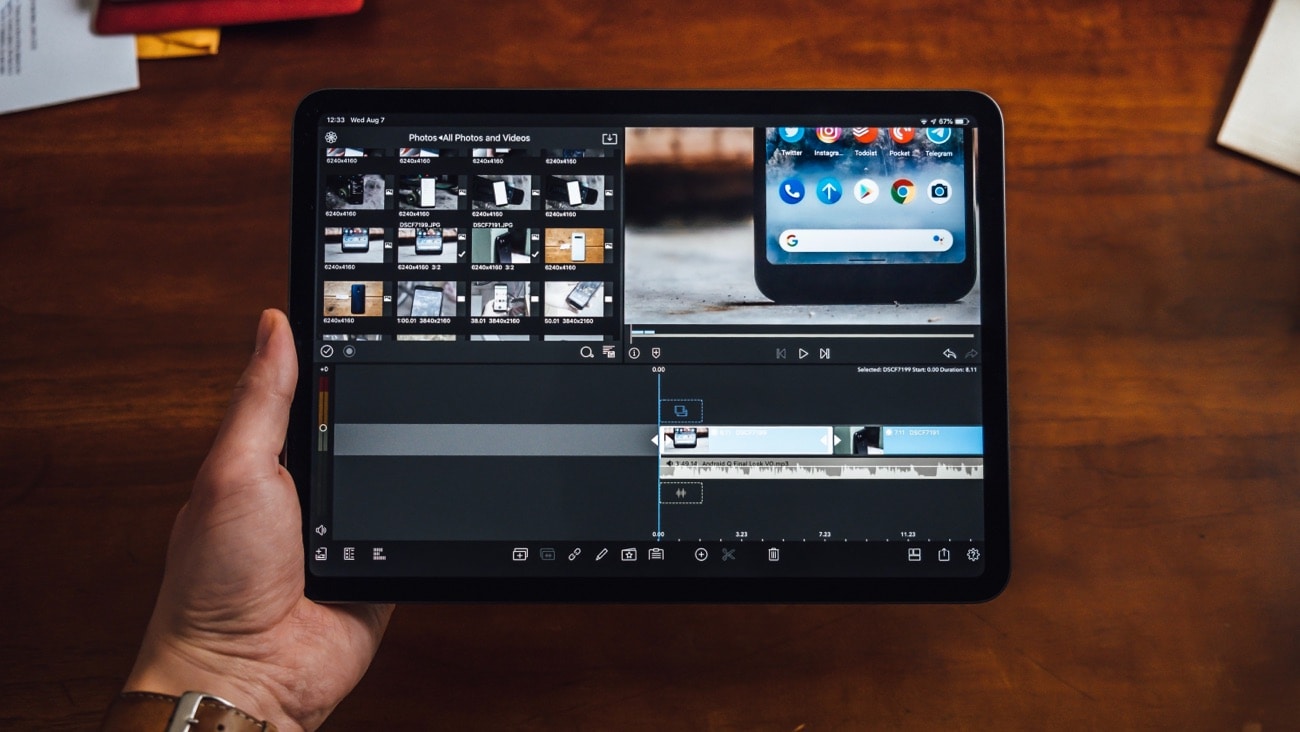
Image credit: iStock
Thinking of getting a tablet? Here are some of the coolest things you can do with one.
Let’s be honest, a tablet is just a sexier, more portable computer. It can do almost everything a laptop can do but it’s way easier to cart around. Portability aside, a tablet has heaps of slick features that are often overlooked. We’re not trying to convince you to buy a tablet, but we sort of are, as well.
Already have one in mind? Explore our range of tablets >
Art
This is for all you Bob Ross wannabes in the crowd.
There is something very romantic about lugging a canvas and fistful of paintbrushes around a crowded city, that is until you have to board a busy train. And while it’s always fun to attract attention (we know you love it, Bike-On-Busy-Train Guy), we thought we’d make a suggestion, if you were feeling a little shy.
Behold! The tablet. The easy way to carry your art around with you, no matter where you’re going. With the ability to use a tonne of great art apps, you can do your thang without bugging your fellow commuters.
For the Apple team, you can access the full 2020 Adobe creative suite, we’re talking Illustrator, Photoshop, InDesign, XD, Premiere Pro, After Effects, Lightroom and tonnes more. For the Windows peeps, there’s Adobe Fresco.
Photography
Do tablets have cameras? Yes. Is that why we’re saying they’re great for photographers? No. Let us elaborate.
Pro photographers carry around multiple lenses, additional lighting, tripods and all the camera toys you can think of. Unsurprisingly, it all takes a bit of time to set up. A tablet in this scenario would take the place of a laptop, where photographers can screen their photos instantly after taking them. So instead of adding another chunky item like a computer to a photographer’s gear, they can just whip out a tablet.
Photographers can use Photoshop CC (and older) on iOS and selected Microsoft tablets (a few tweaks are needed to support PS on Microsoft products) to sharpen those edges or adjust the contrast quick sticks, which is good news if you’re under a sharp deadline.
Music
Budding musicians listen up. Tablets are the new studio (sort of).
Able to record and create music on the go, the tablet has become a powerful weapon in a musician’s arsenal. So, if you’re stuck in transit you can use the tablet to get down those sick beats swirling around in that big, delicious, musical brain of yours.
And while tablets look small, they’ve got it where it counts. If you’re buying a tablet for musical purposes a lot of them have some very decent storage, enough for you to finish off that album you’ve been working on. Apple’s Garage Band does the job quite well, but if you really want to finish that symphony, download Apple’s Korg Gadget 2. It’s got all the synths, samplers and drum machines, Garage Band doesn’t. For the Android users out there (somewhere) the FL studio app is the way to go.
Organisation
How annoying is it when an employer or co-worker asks you to sign something by hand? The whole rigmarole of printing it out, signing it and scanning it again is exhausting. With a tablet and a corresponding tablet-pen, this sort of fiddly office work can be done in a flash.
If you haven’t quite got that typing thing down and you see yourself as more of a writer than a typer, you can handwrite notes on your tablet with your tablet pen and convert them into text super quick. It’s very cool.
If you want to see some of the models we’ve got on offer have a gander at our fantastic tablet range.
 Share on Facebook
 Share on Twitter
 Share on LinkedIn
Should I buy a foldable phone?
16 October 2026
Interested in buying a foldable phone? Here are some things to keep in mind when you’re shopping around for a device.
Should I buy a smartwatch for my kid?
6 October 2026
A smartwatch can be an awesome gadget for a child, particularly if you want to keep in contact with them or be sure of wher...
What are the coolest features that smartwatches have?
6 October 2026
Interested in getting a smartwatch? Here are some of the cool features that you should keep in mind (particularly if you’re...