We're going the extra mile to make sure your information is more secure than ever before with biometrics.
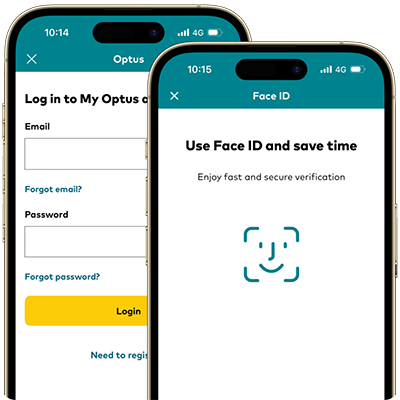
1. Set up
Use one of the multiple sign in methods from facial recognition to a 4 digit passcode.
2. Sign in
Sign in to your My Account. Then follow the prompts to set up your preferred biometric login.
3. Enjoy
Get the information and support you need to manage your Optus accounts.
Multiple ways to sign in
My Optus app now allows you to sign in with your preferred method, using your My Account username and password.
Facial recognition
Scan for FaceID and facial recognition
Fingerprint
Scan your fingerprint
4 digit passcode
Create a unique 4 digit passcode
Continue to enjoy the same peace of mind you can always expect from us when it comes to the safety of your personal information.
Biometric technology will allow us to verify our customers and ensure they are who they say they are.
To enable multi-factor authentication and to better protect access to your Optus account, you’ll need to make sure your contact details are up to date.